
Gear that I use to shoot photography, videography and mobile-phone imagery. I keep things pretty simple when it comes to gear — I prefer quality over quantity, I only use natural light and I prefer not to feel weighted down.
Note: I receive a very small commission from Amazon when you buy via the links below, at no additional cost to you. I appreciate you taking the time to shop through these links and support my work in the process!
My Photo + Video Equipment

I LOVE this camera. The color is gorgeous, fast auto-focus, a touch-screen and 4k video. I upgraded from the Mark II and this camera is far superior.

This is the gimbal (camera stabilizer) I use for taking smooth video on my full frame digital camera. Worth the investment, especially considering that gimbals used to cost thousands for anything worth a damn!

I shot with a 50mm f/1.4 prime lens as my every-day lens for 5 years — it’s an affordable work-horse that produces beautiful images. I shoot 99% of my food and product images with this lens.

A ball-head mount for your tripod is essential to having ease of movement with your photography — it mounts on the Manfrotto tripod and allows you to easily swivel and rotate your camera for horizontal and vertical shots.

I shoot all my macro images on a Sigma brand 50mm f/2.8 — that lens is discontinued, but this Sigma 105mm f/2.8 is my recommended alternative.

Great quality, affordable little lavalier lapel mic that plugs into your phone, computer or camera. This is a go-to for my video work!

This 35mm f/2.0 has completely changed the way I shoot for the better. It’s my go-to portrait, lifestyle, travel, landscape and video lens. It’s become my #1.
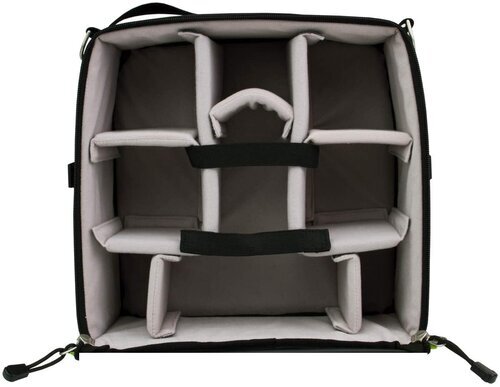
This camera gear “pod” is a super clever alternative to a dedicated camera bag. You can stow your gear in ANY bag with this and keep everything tidy and safe. Even backpacks and satchels!

My Manfrotto Tripod is a BEAST — it’s Italian-made, composed of metal and high-grade plastic and it comes with a built-in 90 degree arm. Perfect as an in-studio tripod. This thing will probably outlast me!

I HIGHLY recommend having multiple 1 Terabyte external hard drives handy. One of these babies usually lasts me 1-2 years, depending on how busy I am.
Mobile Photography + Videography
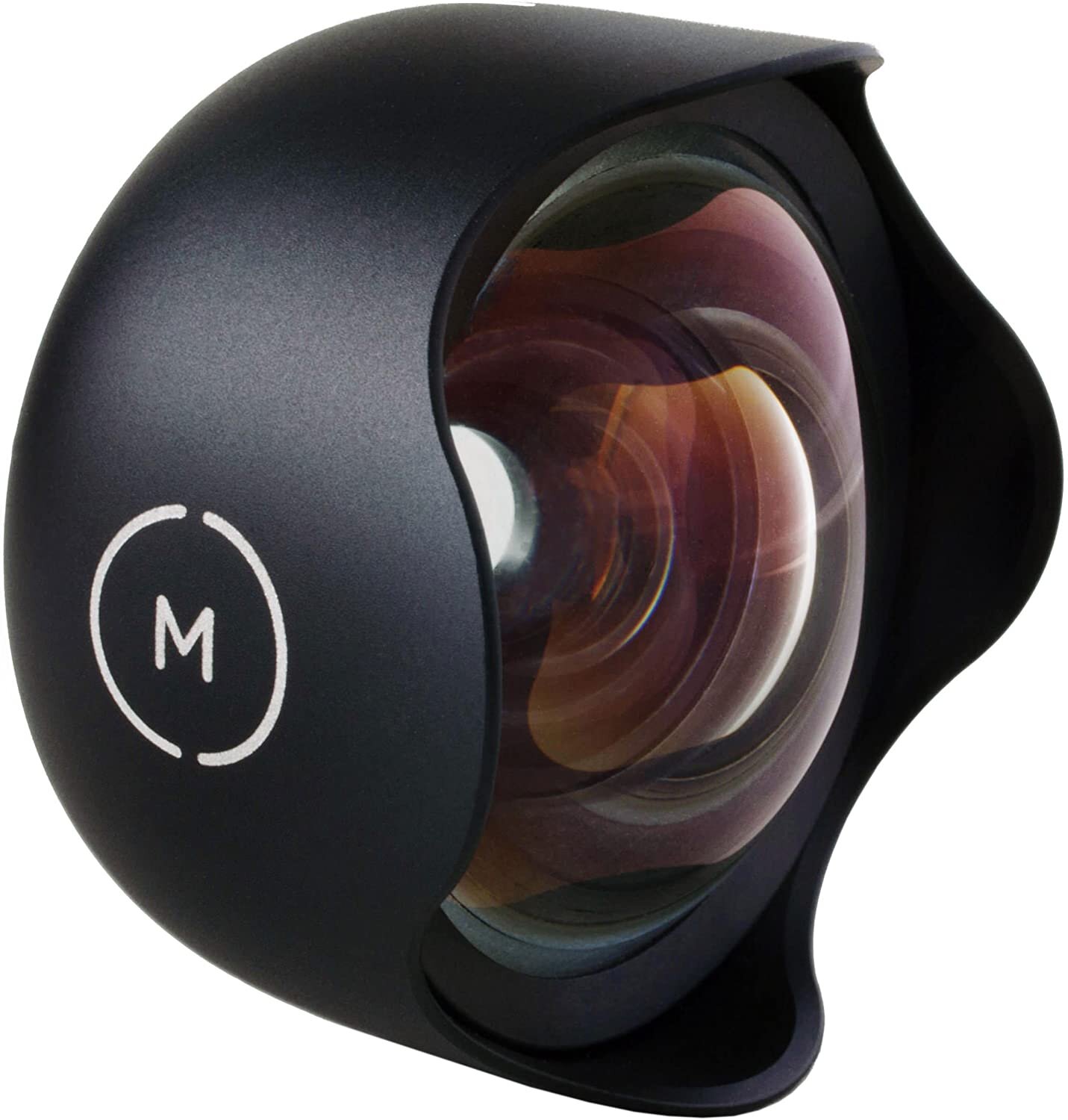
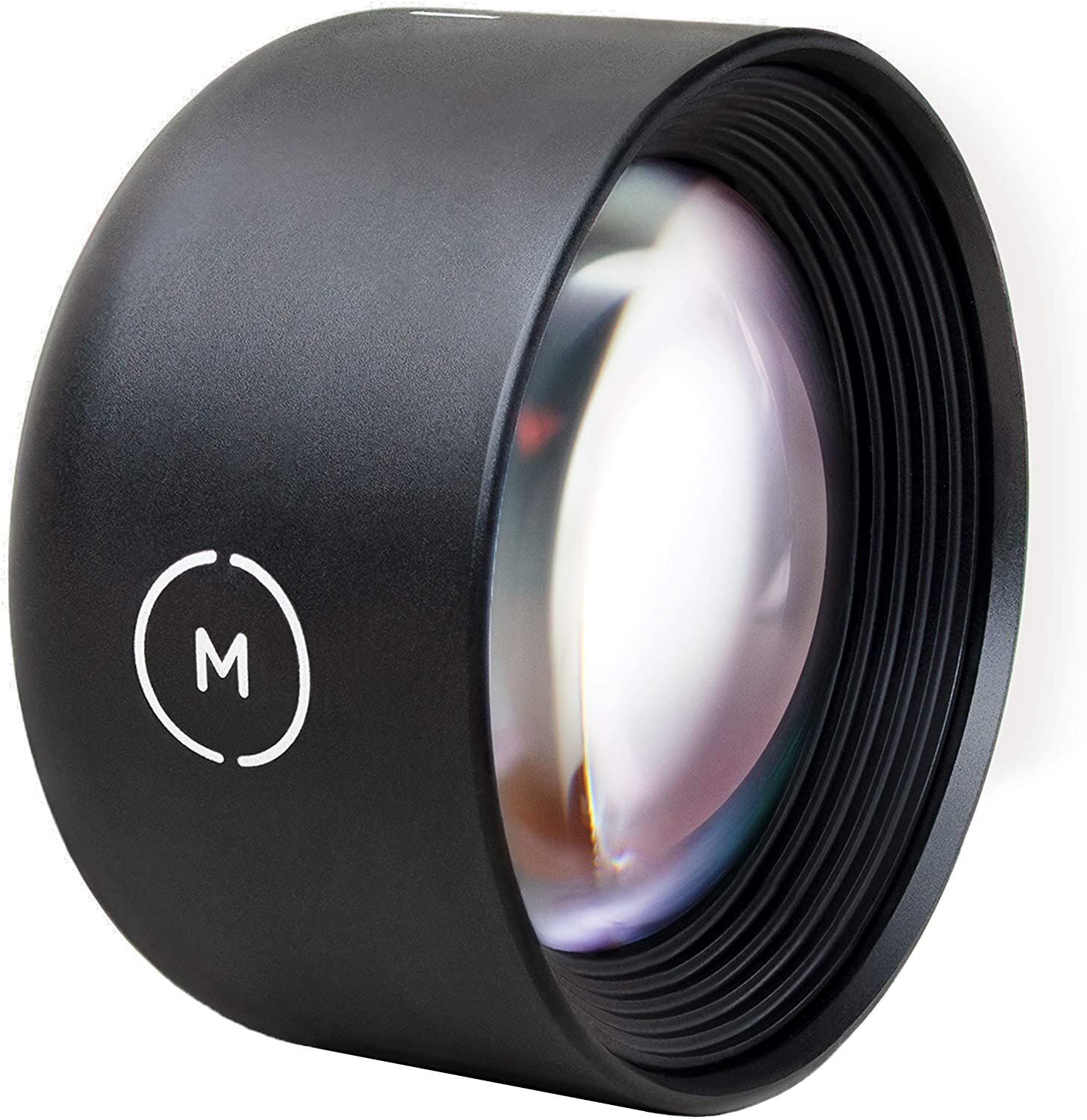
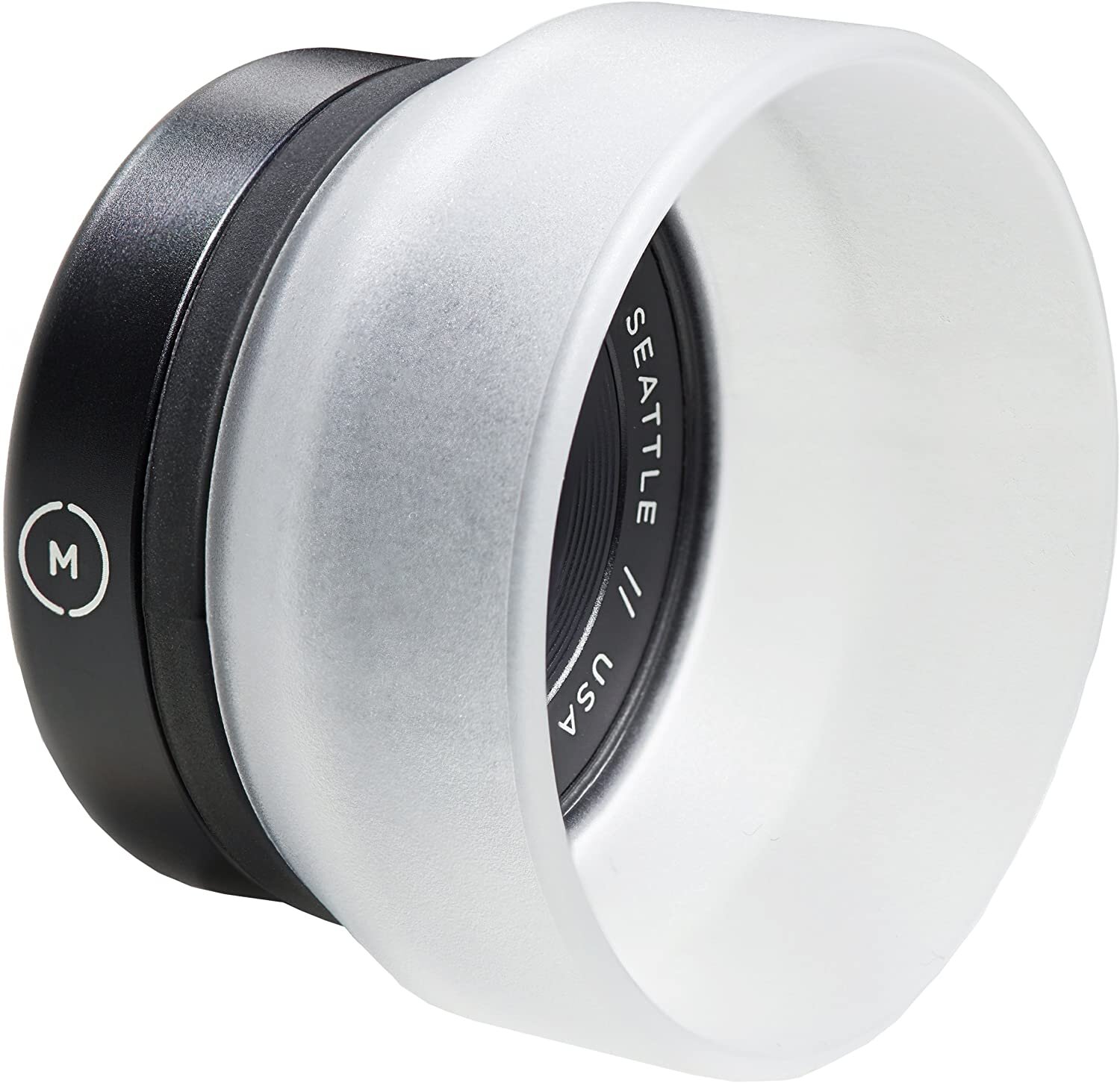
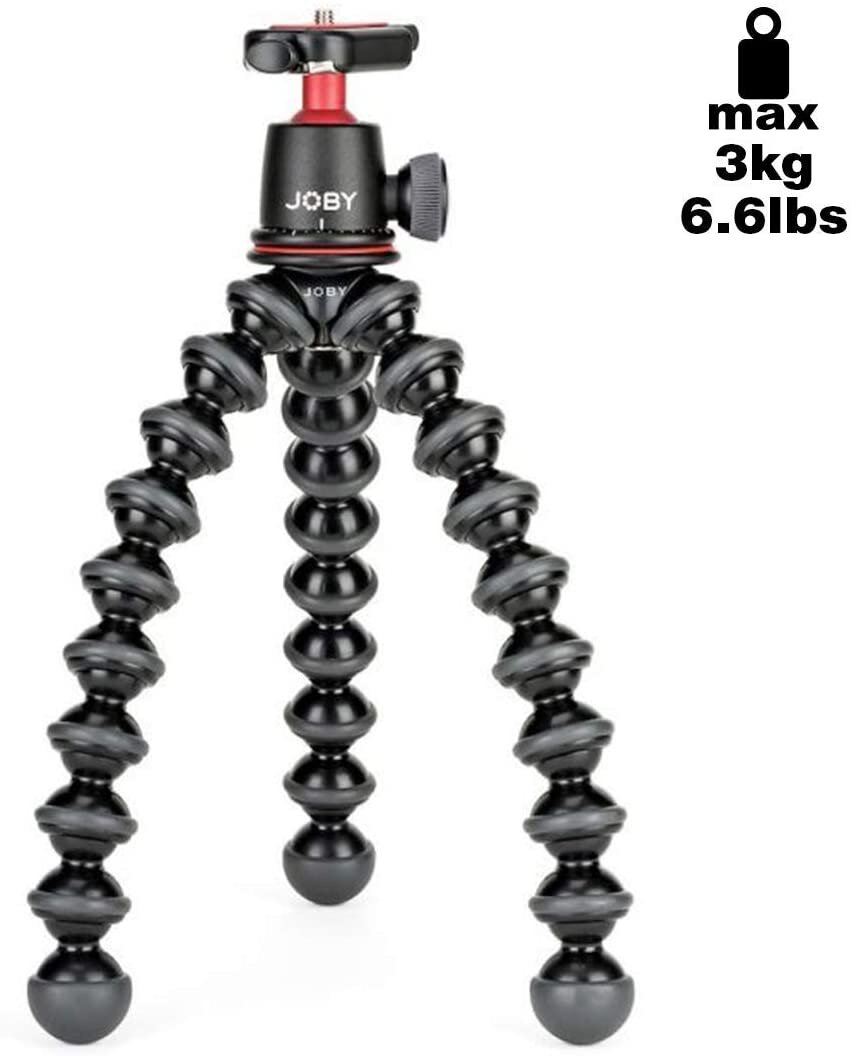
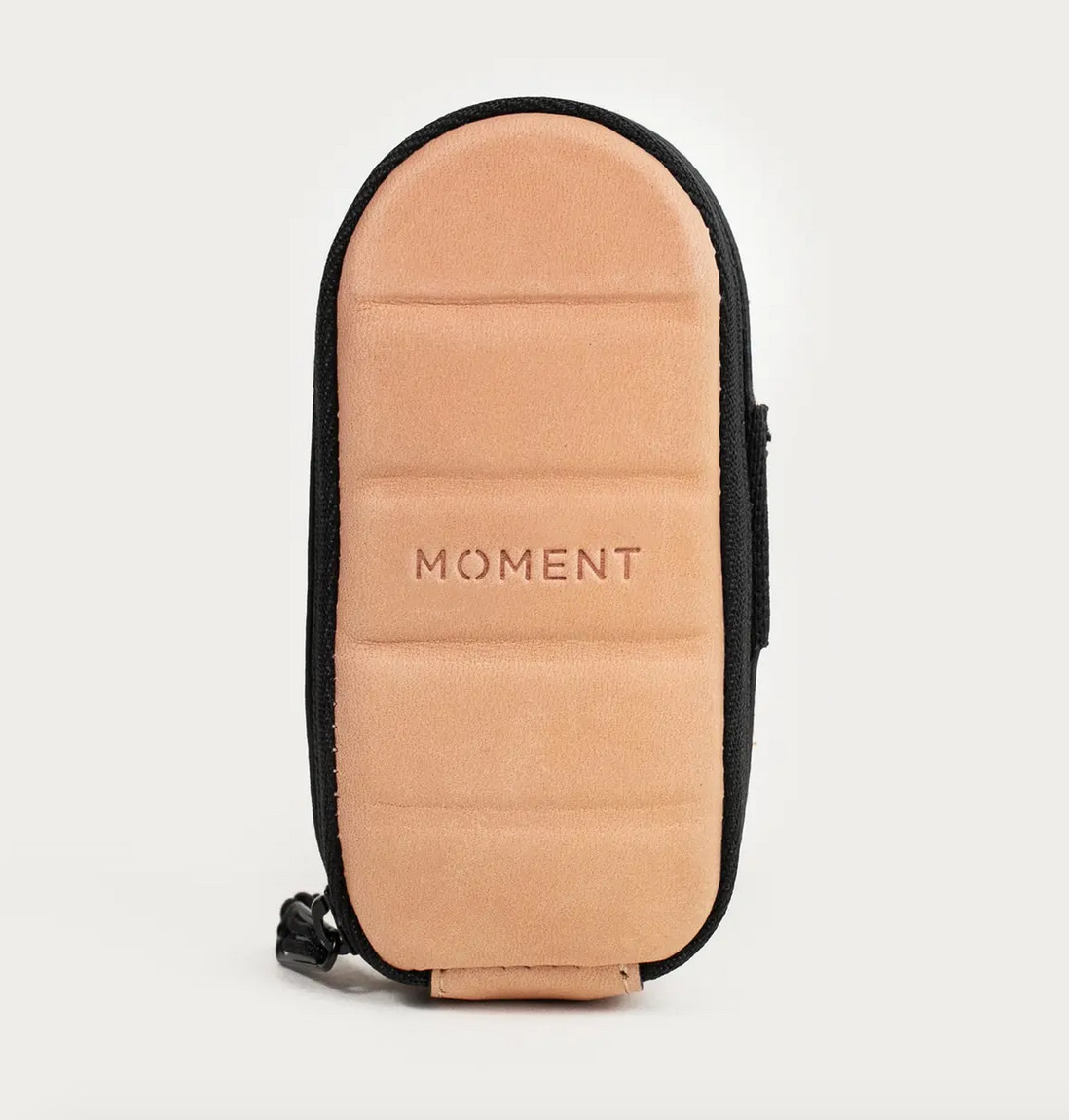
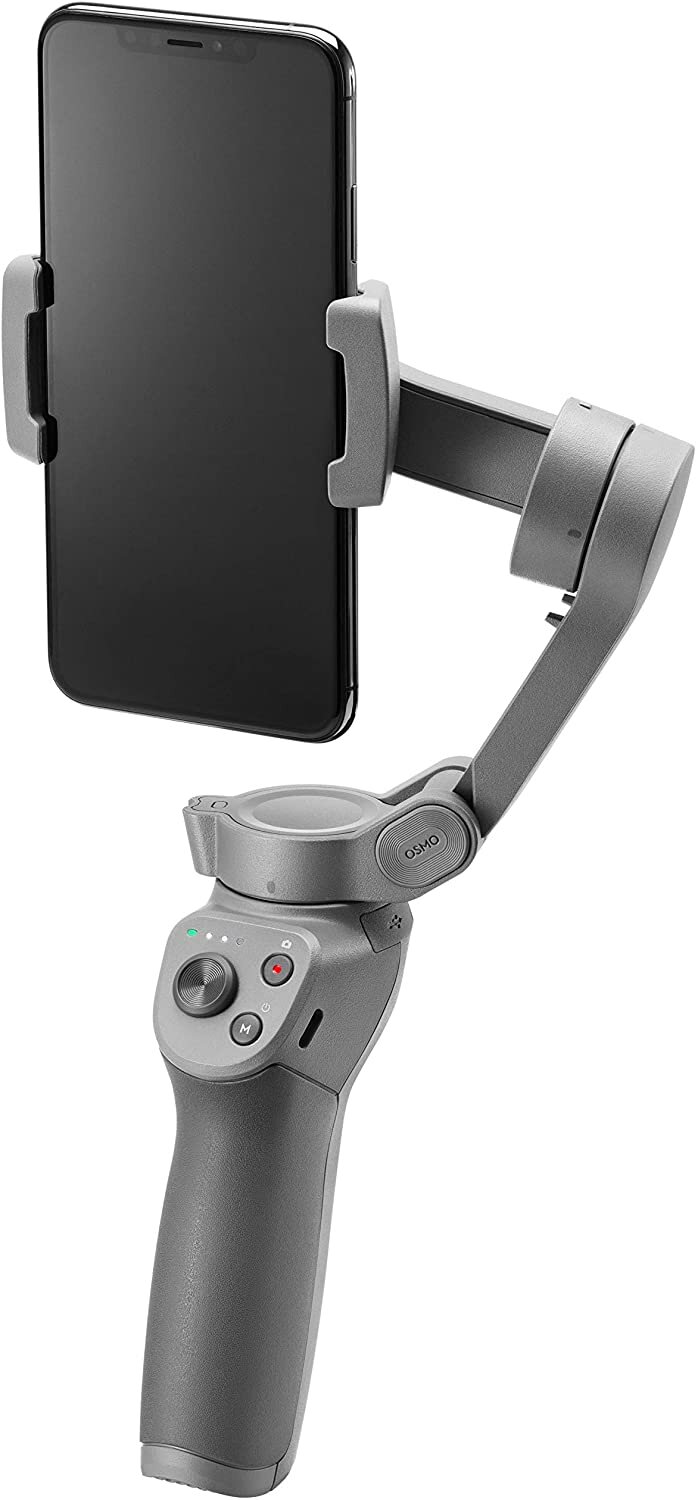
These items are all accessories I use to shoot photo and video on my phone. The lenses twist into the iPhone case and are about the size of a silver dollar. The mobile gimbal from Osmo is amazing — it really up-levels mobile videography, capturing completely smooth shots.


Business Sanity Essentials
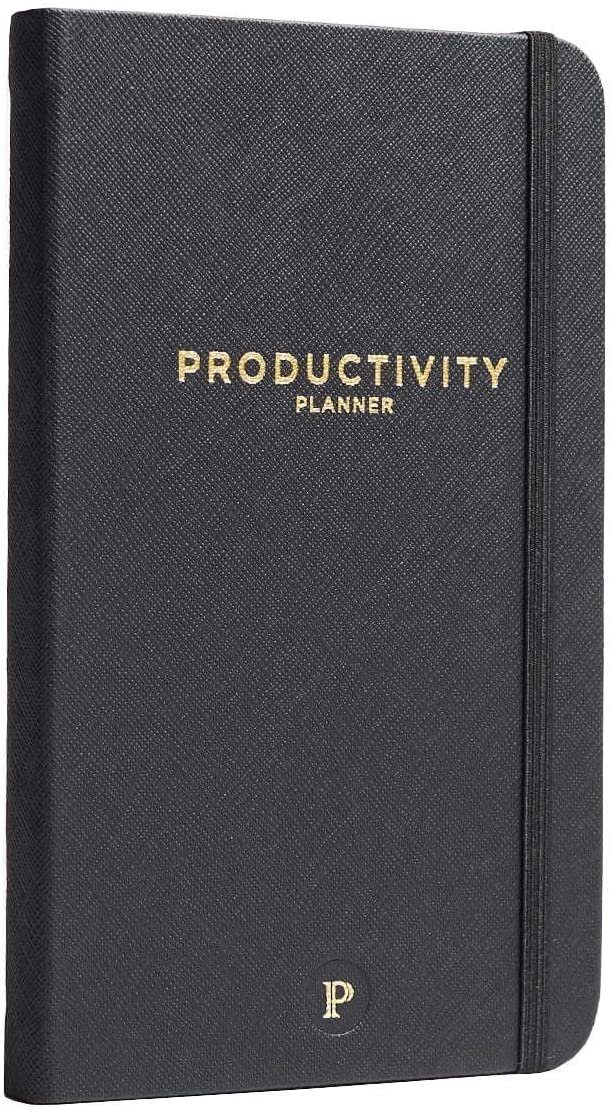
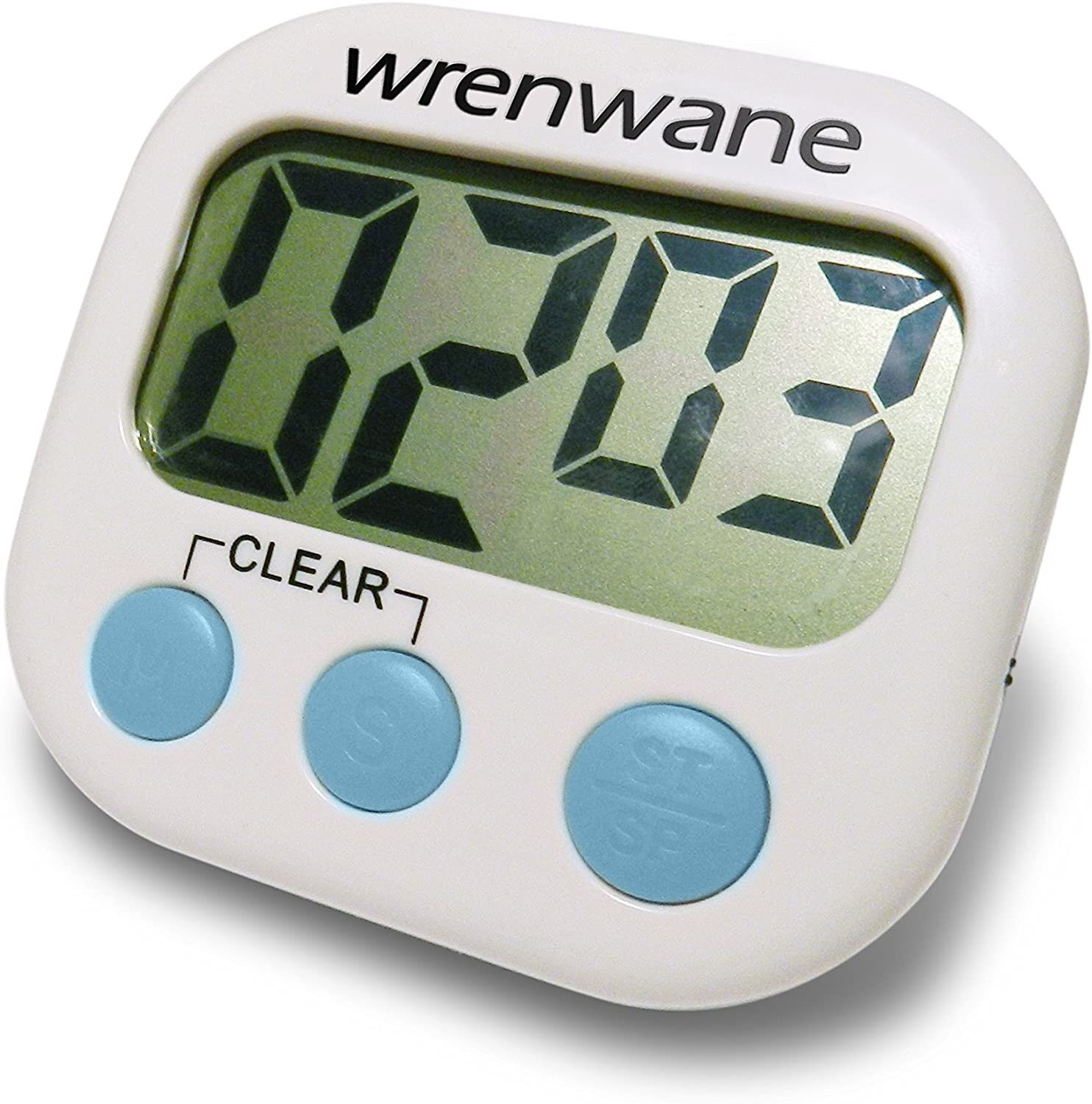
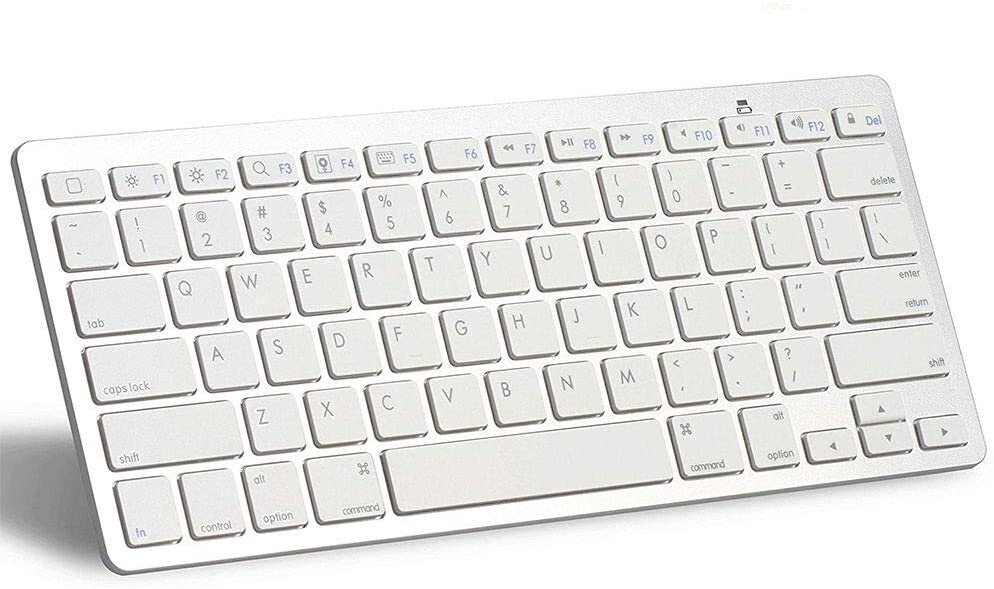
I have just a few business essentials I recommend to everyone — it’s these! I’m really a minimalist when it comes to office gear. More stuff does not necessarily mean a better work process. I use my timer to keep myself on task for 25 minute intervals (the pomodoro method).

My Presets
These preset packs include all of the custom edits I use in Lightroom on my photography. I spent years developing these presets — I hope they help you discover your style!

10 presets designed to enhance your lifestyle, portrait and travel photography. Inspired by nature, wanderlust and beautiful skin tones. Featuring light highs, softened shadows and minimal contrast for a soft film look.
These presets can be applied to to any photo for a gorgeous edit — just like you’d expect to see in my photography and on my instagram.
FAQ’s
1. What are presets?
Presets are one-click “filters” that you apply to raw or untouched images to enhance the color, contrast, lights, darks, tone curve and more.
2. Do I need to have the paid version of Lightroom to use these presets?
No! This preset pack includes files for BOTH the paid Lightroom desktop app and the free Lightroom Mobile app. The FREE mobile Lightroom app is available in the App Store on your phone.
3. I've never used Lightroom before and don't know much about photo editing. Will that be a problem?
These presets are a breeze to use for beginners and pros — they’re designed to make your life easier. With one click you can transform your images instantly, and you don’t need to know how to use advanced Lightroom settings at all. However, I do recommend getting familiar with the “basic” image adjustments like exposure and contrast so that you can tweak settings to your liking! And if you're struggling to use the app, there are a ton of tutorials on YouTube that you can watch.
4. Can I get a refund after purchase?
Because this is a digital product, no refunds will be given.
HELPFUL TIPS:
When using my camera I shoot in RAW, typically underexposed to retain as much detail as possible in the original image. RAW images will give you the best results with any professional presets.
I also shoot Canon, so these presets are ideal for Canon users but can absolutely be used with images shot on any camera.
I’ve included files + instructions for the MOBILE versions of these presets as well.
These presets are designed for Lightroom Classic (desktop version MAC/Windows PC) software which you can purchase for $9.99/month here, are compatible with RAW and JPEG photos. Instant download includes both desktop preset files (.lrtemplate) and mobile preset files (DNG) for use with the FREE Lightroom mobile app available at the app store here. This download also includes PDF guides on how to install your presets on desktop and mobile.
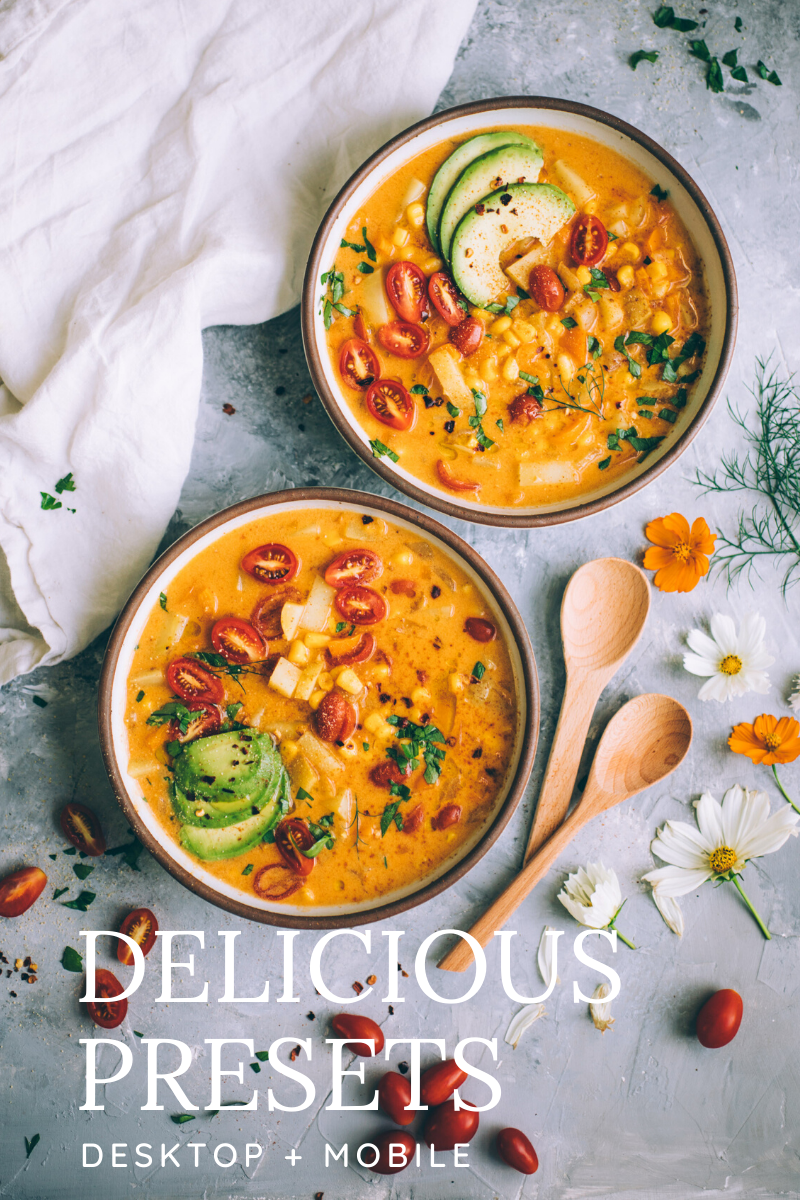
11 presets for food photography inspired by my many years cooking, baking and shooting in the kitchen! Naturally enhance your food photos in one-click by pulling out the right colors, correcting lighting, and adding more detail to create wow-factor images.
My preset packs typically include 10 presets, but this pack includes 1 BONUS preset for a total of 11!
FAQ’s
1. What are presets?
Presets are one-click “filters” that you apply to raw or untouched images to enhance the color, contrast, lights, darks, tone curve and more.
2. Do I need to have the paid version of Lightroom to use these presets?
No! This preset pack includes files for BOTH the paid Lightroom desktop app and the free Lightroom Mobile app. The FREE mobile Lightroom app is available in the App Store on your phone.
3. I've never used Lightroom before and don't know much about photo editing. Will that be a problem?
No problem at all! If you’re new to Lightroom this preset pack is going to make your life SO MUCH easier. With one click you can transform your images instantly without needing to know how advanced Lightroom settings work. However, I do recommend getting familiar with the “basic” image adjustments like exposure and contrast so that you can tweak lighting! And if you're struggling to use the app, there are a ton of tutorials on YouTube that you can watch.
4. Are these the same presets you use in your photos?
Yes! I developed these presets for my professional food photography career — I’ve even used them on images for my clients’ published books.
5. Can I get a refund after purchase?
Because this is a digital product, no refunds will be given.
HELPFUL TIPS:
When using my camera I shoot in RAW, typically underexposed to retain as much detail as possible in the original image. RAW images will give you the best results with any professional presets.
I also shoot Canon, so these presets are ideal for Canon users but can absolutely be used with images shot on any camera.
I’ve included files + instructions for the MOBILE versions of these presets as well.
These presets are designed for Lightroom Classic (desktop version MAC/Windows PC) software which you can purchase for $9.99/month here, are compatible with RAW and JPEG photos. Instant download includes both desktop preset files (.lrtemplate) and mobile preset files (DNG) for use with the FREE Lightroom mobile app available at the app store here. This download also includes PDF guides on how to install your presets on desktop and mobile.

8 presets designed to enhance your phone photos in one tap. Instantly correct your color, lighting, tone, and detail for wow-worthy images that stand-out while still feeling natural.
This pack includes a selection of presets from the Delicious, Cafe, Glow and Wanderlust Lifestyle preset packs. If you shoot images primarily on iPhone this is the perfect pack for you!
FAQ’s
1. What are presets?
Presets are one-click “filters” that you apply to raw or untouched images to enhance the color, contrast, lights, darks, tone curve and more.
2. Do I need to have the paid version of Lightroom to use these presets?
No! This preset pack includes files for the free Lightroom Mobile app, available in the App Store on your phone.
3. I've never used Lightroom before and don't know much about photo editing. Will that be a problem?
These presets are a breeze to use for beginners — they’re designed to make your life easier. With one tap you can transform your images without needing to know advanced Lightroom settings. However, I do recommend getting familiar with the “basic” image adjustments like exposure and contrast so that you can tweak lighting to your liking! And if you're struggling to use the app, there are a ton of tutorials on YouTube that you can watch.
4. Can I use these presets to edit photos in the Lightroom Desktop app?
No, these files are not compatible with Lightroom Desktop. For the desktop versions of these presets head back to the main shop page.
5. Can I get a refund after purchase?
Because this is a digital product, no refunds will be given.
HELPFUL TIPS:
When shooting on iPhone I typically underexpose to retain as much detail as possible in the original image.
In the FREE Lightroom CC Mobile app you can tweak every detail of your image just like in the desktop app.
You will need to download your preset files to your desktop first and transfer the preset files to your iPhone. Your download contains a PDF of instructions on how to do this, it takes about 5 minutes.
These presets will not work on the desktop version of the Lightroom app.
Because this is a digital product, no refunds will be given.
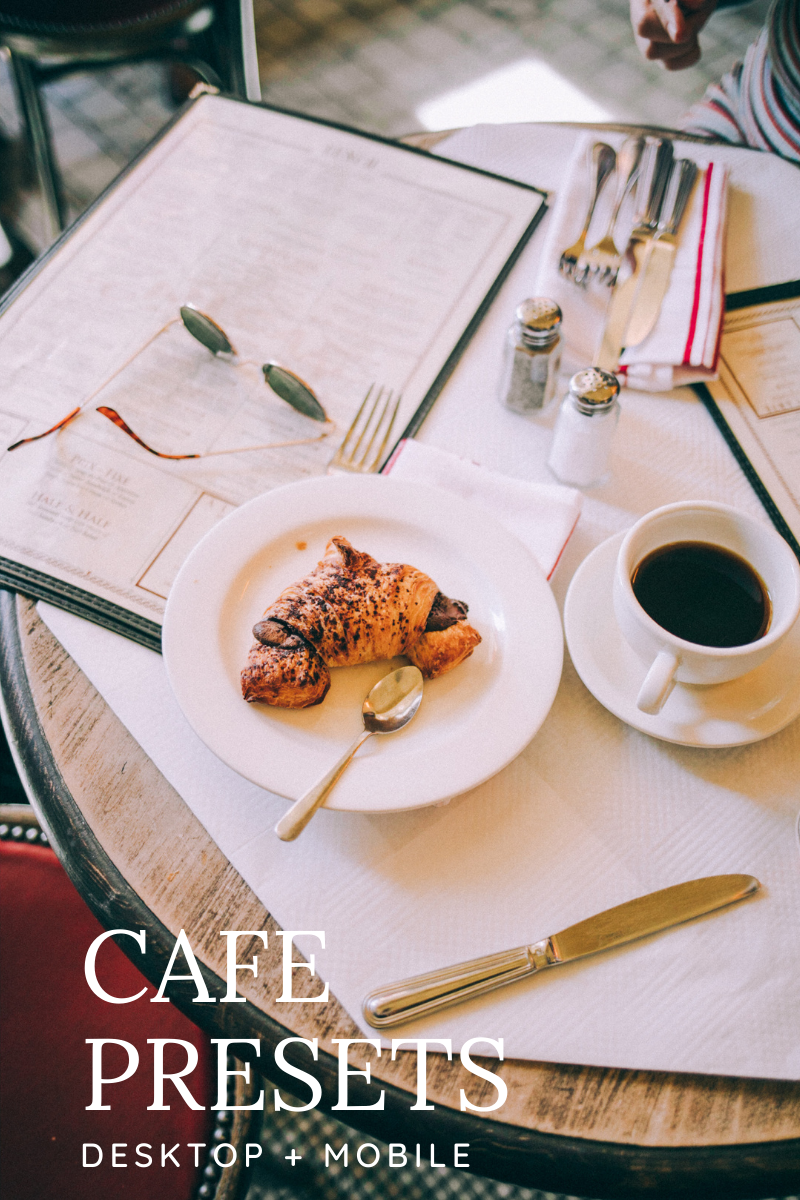
11 presets designed for cafe’s, restaurants, and food-focused branding. inspired by shooting Sunset dinner events al fresco. Perfect for food businesses looking to up-level their images.
I usually include 10 presets in each pack, but this pack includes one BONUS preset for FREE for a total of 11!
FAQ’s
1. What are presets?
Presets are one-click “filters” that you apply to raw or untouched images to enhance the color, contrast, lights, darks, tone curve and more.
2. Do I need to have the paid version of Lightroom to use these presets?
No! This preset pack includes files for BOTH the paid Lightroom desktop app and the free Lightroom Mobile app. The FREE mobile Lightroom app is available in the App Store on your phone.
3. I've never used Lightroom before and don't know much about photo editing. Will that be a problem?
These presets are a breeze to use for beginners and pros — they’re designed to make your life easier. With one click you can transform your images instantly, and you don’t need to know how to use advanced Lightroom settings at all. However, I do recommend getting familiar with the “basic” image adjustments like exposure and contrast so that you can tweak settings to your liking! And if you're struggling to use the app, there are a ton of tutorials on YouTube that you can watch.
4. Can I get a refund after purchase?
Because this is a digital product, no refunds will be given.
HELPFUL TIPS:
When using my camera I shoot in RAW, typically underexposed to retain as much detail as possible in the original image. RAW images will give you the best results with any professional presets.
I also shoot Canon, so these presets are ideal for Canon users but can absolutely be used with images shot on any camera.
I’ve included files + instructions for the MOBILE versions of these presets as well.
These presets are designed for Lightroom Classic (desktop version MAC/Windows PC) software which you can purchase for $9.99/month here, are compatible with RAW and JPEG photos. Instant download includes both desktop preset files (.lrtemplate) and mobile preset files (DNG) for use with the FREE Lightroom mobile app available at the app store here. This download also includes PDF guides on how to install your presets on desktop and mobile.

10 presets designed to enhance your portrait and lifestyle photography. Created with dewy skin tones and epic portraits in mind — inspired by my years of shooting beautiful, soulful women. These are the presets I gravitate to for my self-portraits every time.
FAQ’s
1. What are presets?
Presets are one-click “filters” that you apply to raw or untouched images to enhance the color, contrast, lights, darks, tone curve and more.
2. Do I need to have the paid version of Lightroom to use these presets?
No! This preset pack includes files for BOTH the paid Lightroom desktop app and the free Lightroom Mobile app. The FREE mobile Lightroom app is available in the App Store on your phone.
3. I've never used Lightroom before and don't know much about photo editing. Will that be a problem?
These presets are a breeze to use for beginners and pros — they’re designed to make your life easier. With one click you can transform your images instantly, and you don’t need to know how to use advanced Lightroom settings at all. However, I do recommend getting familiar with the “basic” image adjustments like exposure and contrast so that you can tweak settings to your liking! And if you're struggling to use the app, there are a ton of tutorials on YouTube that you can watch.
4. Can I get a refund after purchase?
Because this is a digital product, no refunds will be given.
HELPFUL TIPS:
When using my camera I shoot in RAW, typically underexposed to retain as much detail as possible in the original image. RAW images will give you the best results with any professional presets.
I also shoot Canon, so these presets are ideal for Canon users but can absolutely be used with images shot on any camera.
I’ve included files + instructions for the MOBILE versions of these presets as well.
These presets are designed for Lightroom Classic (desktop version MAC/Windows PC) software which you can purchase for $9.99/month here, are compatible with RAW and JPEG photos. Instant download includes both desktop preset files (.lrtemplate) and mobile preset files (DNG) for use with the FREE Lightroom mobile app available at the app store here. This download also includes PDF guides on how to install your presets on desktop and mobile.
*This page contains affiliate links to Amazon.